iPhone update finally lets users unlock screens while wearing a mask. Here’s how
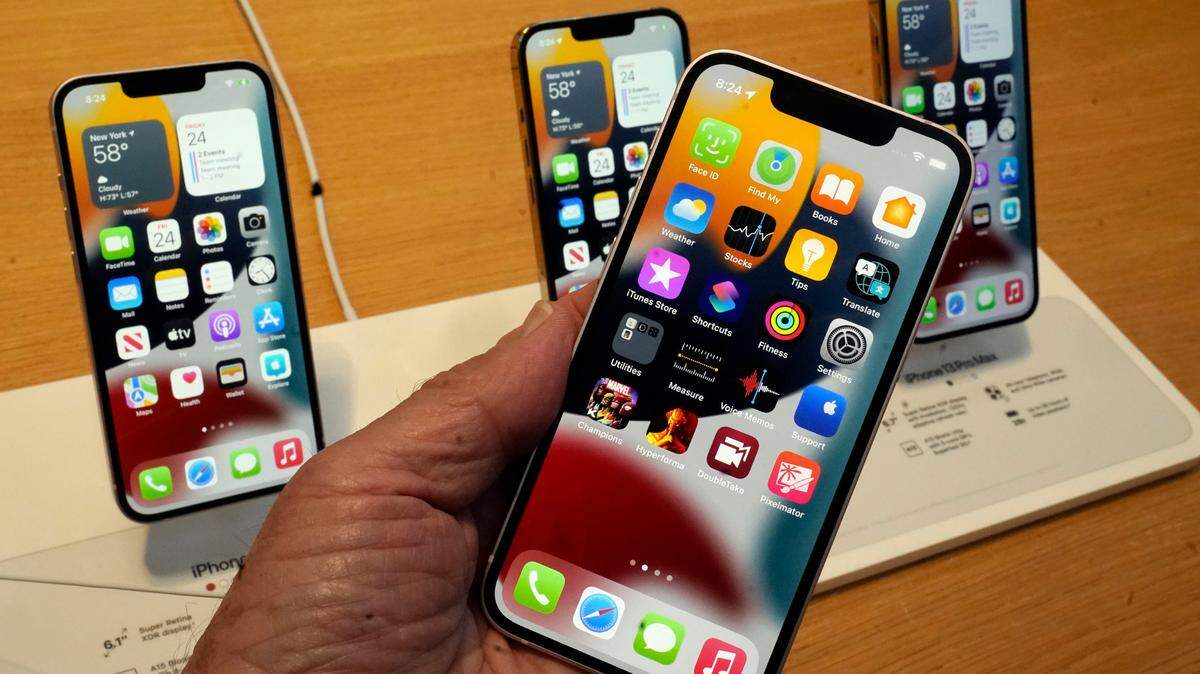
Apple is rolling out a new feature for select iPhones that may make pandemic life a bit easier. Those donning their masks can now pay while still using Face ID with Apple Pay, thanks to the iOS 15.4 update.
The iOS15.4 update launched on March 14, and also includes new emoji and a new voice option for Siri. But their new Face ID feature has turned heads for its adaptation to the COVID-19 pandemic.
The new Face ID update can “recognize the unique features around your eye area,” and unlock your device and use Apple Pay while still being masked up, Apple said in a tweet.
Although mask mandates in many areas are ending, recommend people continue to wear a mask in certain situations.
Apple Pay prides itself on allowing users to easily pay for their purchases without fumbling for cards or cash. However, wearing masks threw a wrench in the convenience, since the iPhone user must verify their identity, primarily with Face ID, to use Apple Pay.
Until now, the simple process had been held up when mask wearers attempted to pay, were directed to Face ID and then had to enter a passcode to finally pay for their purchases.
With the new feature, users wearing a face mask can also participate in any feature that requires Face ID verification.
Here’s how to get the new update
First, you need to have an iPhone 12 or 13 to get the new update.
Go to settings and tap General, and then Software Update. Download and install the new update, as long as you have at least 50% battery power, or are connected to a power source.
After the installation is complete, you will be prompted to turn on the new Face ID feature.
If you aren’t immediately directed to the new feature, return to settings and click on Face ID & Passcode. You can then toggle on “Face ID with a Mask” and set it up.
This story was originally published March 14, 2022 at 3:05 PM with the headline "iPhone update finally lets users unlock screens while wearing a mask. Here’s how."