
Updated: How to find MLB box scores at sacbee.com
Here’s the quickest way to find major-league box scores at sacbee.com:
1.) On the sacbee.com home page, find and click on Sports.

2.) On the Sports page, click on the Baseball link among six links listed directly above the stories on the page.

3.) On the Baseball page, click on the Today’s Games link among four links listed directly above the stories on the page.

4.) When you arrive on the Today’s Games page, find the line score of the game(s) you are interested in and click on the Box link. You will be taken to an expanded box score.
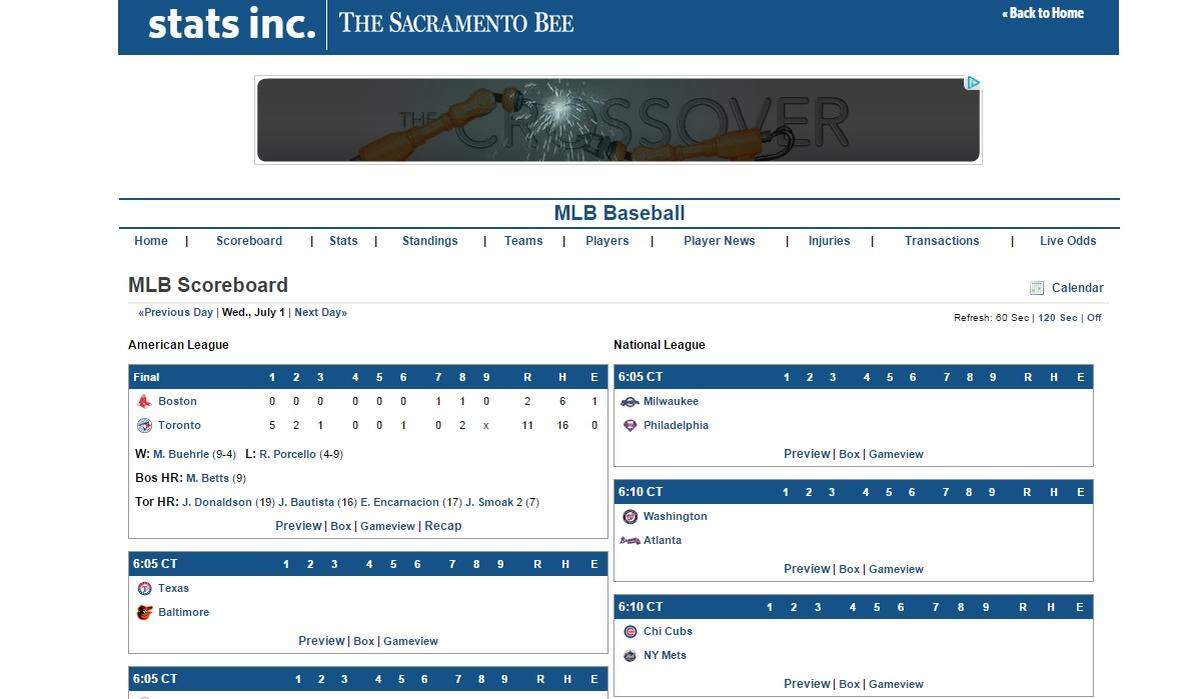
Note: A box score is generated as soon as each game begins and is updated throughout the game.
This story was originally published July 1, 2015 at 1:34 PM with the headline "Updated: How to find MLB box scores at sacbee.com."