Have you ever seen a stunning dress or a new mahjong set (my new obsession), checked the price tag, and thought, “I wish I didn’t have to pay this all at once”?
But typically, you only see financing options at checkout online (or, for whatever reason, at a furniture store). Learn how to use Sezzle in stores, and you can pay in 4 installments.
(Yes, even in a traditional brick-and-mortar.)
Plus, it’s pretty straightforward once you know the setup, and that’s what I’ll walk you through here—clearly, quickly, and without the usual checkout confusion.
Key Takeaways
- Uses A Virtual Card: Sezzle in stores works through a virtual Visa card added to Apple Pay or Google Pay.
- Account Must Be Ready: Before checkout, make sure your account is active, your payment method is linked, and you have enough spending power.
- Purchase Request Comes First: You need to create a purchase request for the full amount before paying, or the transaction can be declined.
- Works Where Mobile Visa Is Accepted: In-store Sezzle payments usually work anywhere Visa mobile payments are accepted.
- Update The Request If Needed: If the total changes at checkout, cancel the original request and create a new one for the final amount.
How Sezzle In-Store Payments Work
Sezzle in-store payments work through the Sezzle Virtual Card, not a physical card. After I’m approved in the app, Sezzle generates a digital Visa card I can use for eligible purchases. In most cases, I add that card to Apple Pay or Google Pay and tap my phone at checkout.
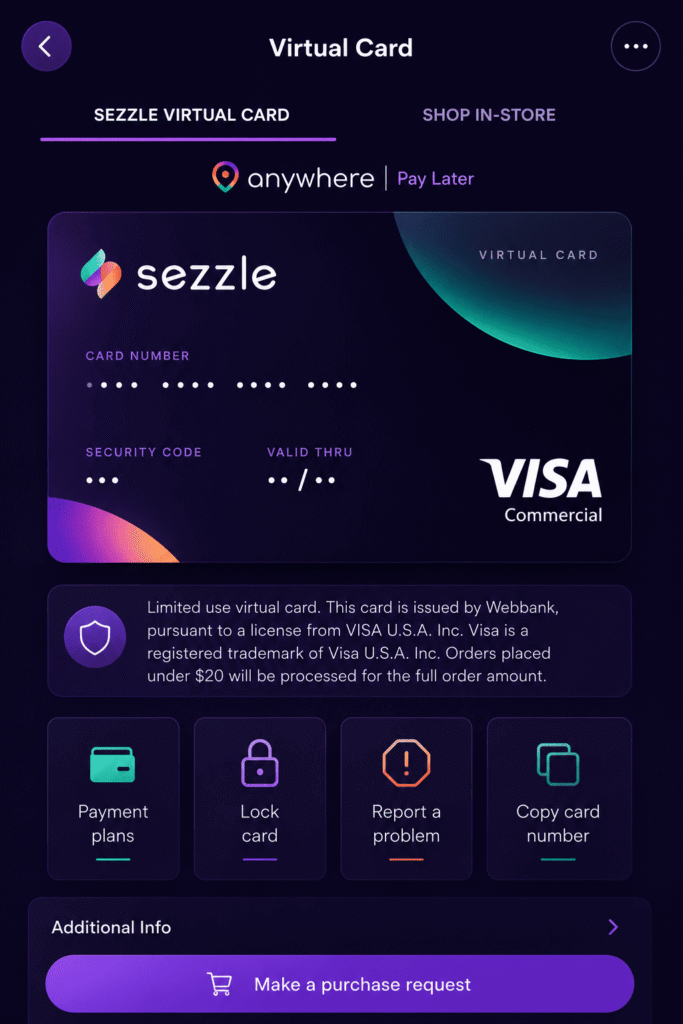
The purchase is typically split into 4 installments over 6 weeks, with the first payment due when I buy. One important detail: I need an active purchase request before I try to pay. If I don’t have a payment method that covers the full order amount, the transaction can be declined.
What You Need Before You Check Out
Before I head to the register, I make sure a few basics are covered:
- A Sezzle account in good standing
- The Sezzle app is installed and logged in
- A linked payment method, such as a debit card, credit card, or bank account
- Enough estimated spending power for the purchase
- A phone set up with Apple Pay or Google Pay
I also like having a backup payment method, just in case approval doesn’t go through. Sezzle Anywhere and the multi-use virtual card are available only for eligible U.S. shoppers, and international purchases aren’t accepted.
How To Pay With Sezzle In Stores Step By Step
Here’s the simplest way I use Sezzle in stores:
- I open the Sezzle app and go to the Virtual Card tab.
- I tap Make a Purchase Request.
- I enter the full amount I expect to spend, including tax or tip.
- I review the loan terms and submit for approval.
- Once approved, I tap Add to Wallet and load the card into Apple Pay or Google Pay.
- At checkout, I unlock my phone and tap to pay.
If I already added the multi-use card to my wallet before, I usually don’t need to add it again. I just need a fresh purchase request to activate it for that purchase.
Where You Can Use Sezzle For In-Store Purchases
In general, Sezzle’s in-store option is most flexible through Sezzle Anywhere, which can work virtually wherever Visa is accepted, subject to Sezzle’s acceptable use rules. That’s the big advantage of the virtual card: it isn’t limited to a tiny list of partner brands.
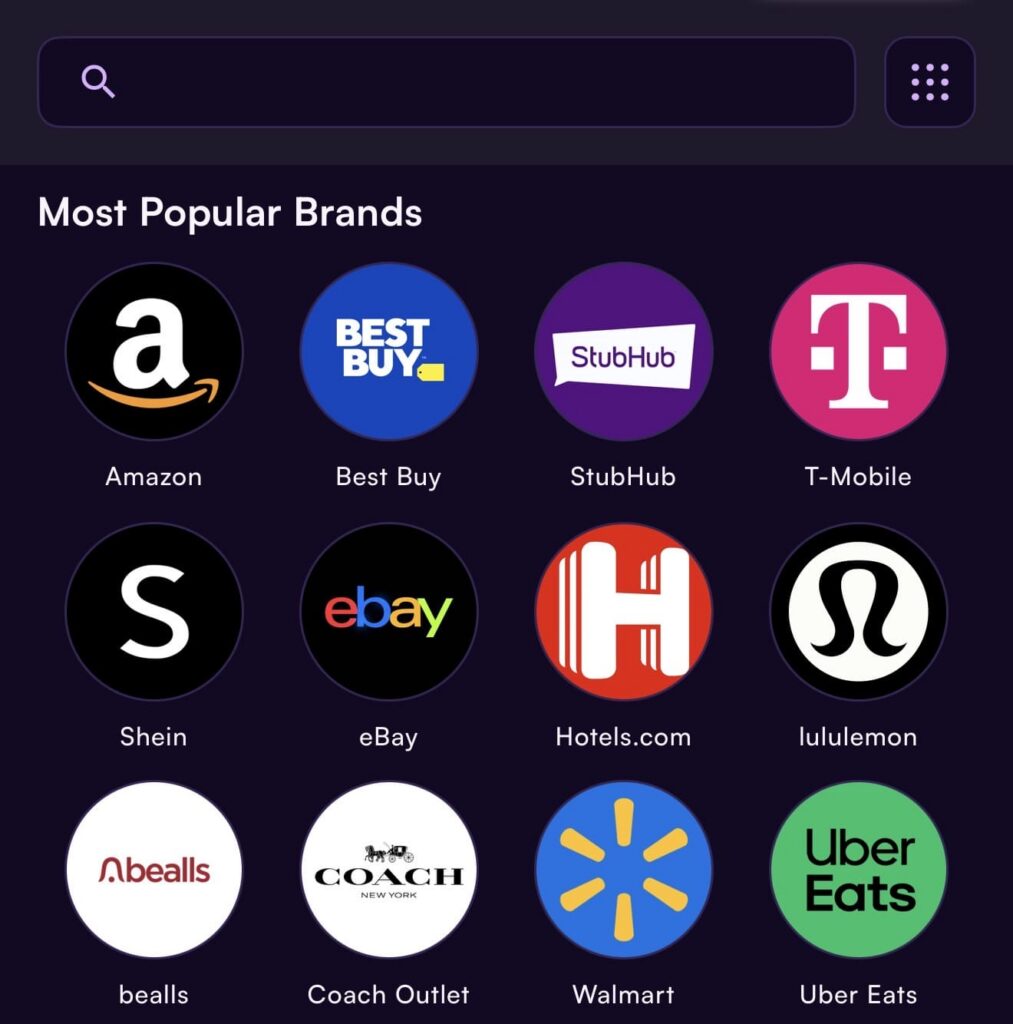
That said, I still prepare in the app first. Some shoppers also access Sezzle through approved merchants in the app’s Shop tab, and Sezzle Premium includes major brands like Walmart, Amazon, and Target for eligible use cases. For in-person checkout, if the store accepts mobile Visa payments, Sezzle may work there once the purchase request is approved.
Problems At Checkout And How To Fix Them
Checkout problems are rare, but they can happen. Luckily, most Sezzle checkout issues are fixable fast.
The payment is declined: Rarely, a purchase request can be missing, expired, or too low. Sezzle says approved amounts are good for three days, so I create a new one if needed.
The total changed: If the final amount is higher than the request, you’ll need to cancel it and request a new amount. You can’t combine two smaller requests.
Tap-to-pay isn’t working: Check that the card is in Apple Pay or Google Pay. Sezzle specifically supports those wallets, not every mobile wallet.
When Using Sezzle In Stores Makes Sense
I think Sezzle makes the most sense when I want short-term payment flexibility without putting a full purchase on a traditional credit card all at once. That can be helpful for necessary buys, work clothes, a laptop accessory, textbooks, or supplies, especially when cash flow is tight between paychecks.
But I’d use it thoughtfully. The convenience is real, and the app-based virtual card is genuinely practical, but it still works best when I already know I can handle the scheduled payments. For disciplined shoppers, Sezzle can be a cleaner, more predictable way to spread out a purchase in person.
Bottom Line
If I want to use Sezzle in stores, the main thing I remember is this: it runs through Sezzle’s virtual card in the app.
Once I create a purchase request and add the card to my mobile wallet, paying in person is usually quick, simple, and surprisingly seamless.
FAQ
The Sezzle Virtual Card is a digital Visa card generated in the Sezzle app after approval. You add it to Apple Pay or Google Pay, then tap your phone at checkout to split payments into four interest-free installments over six weeks.
First, ensure you have an active Sezzle account with a linked payment method and the app installed. Then, open the app, create a purchase request for the full amount, get approval, add the Virtual Card to your mobile wallet, and use it at checkout.
Generally, yes. Sezzle’s in-store payments work via its Virtual Card wherever Visa is accepted, provided you have an approved purchase request. However, some locations or terminals might not support it seamlessly, so checking the app and preparing beforehand is recommended.
If declined, check that your purchase request is active, covers the full amount, and hasn’t expired (valid for up to three days). You might need to create a new purchase request. Also, ensure your Virtual Card is properly added to your mobile wallet.
Using Sezzle can be beneficial if you want to spread out payments interest-free over six weeks without using a credit card. It’s ideal for managing cash flow on necessary purchases, but only if you can handle the installment schedule responsibly.